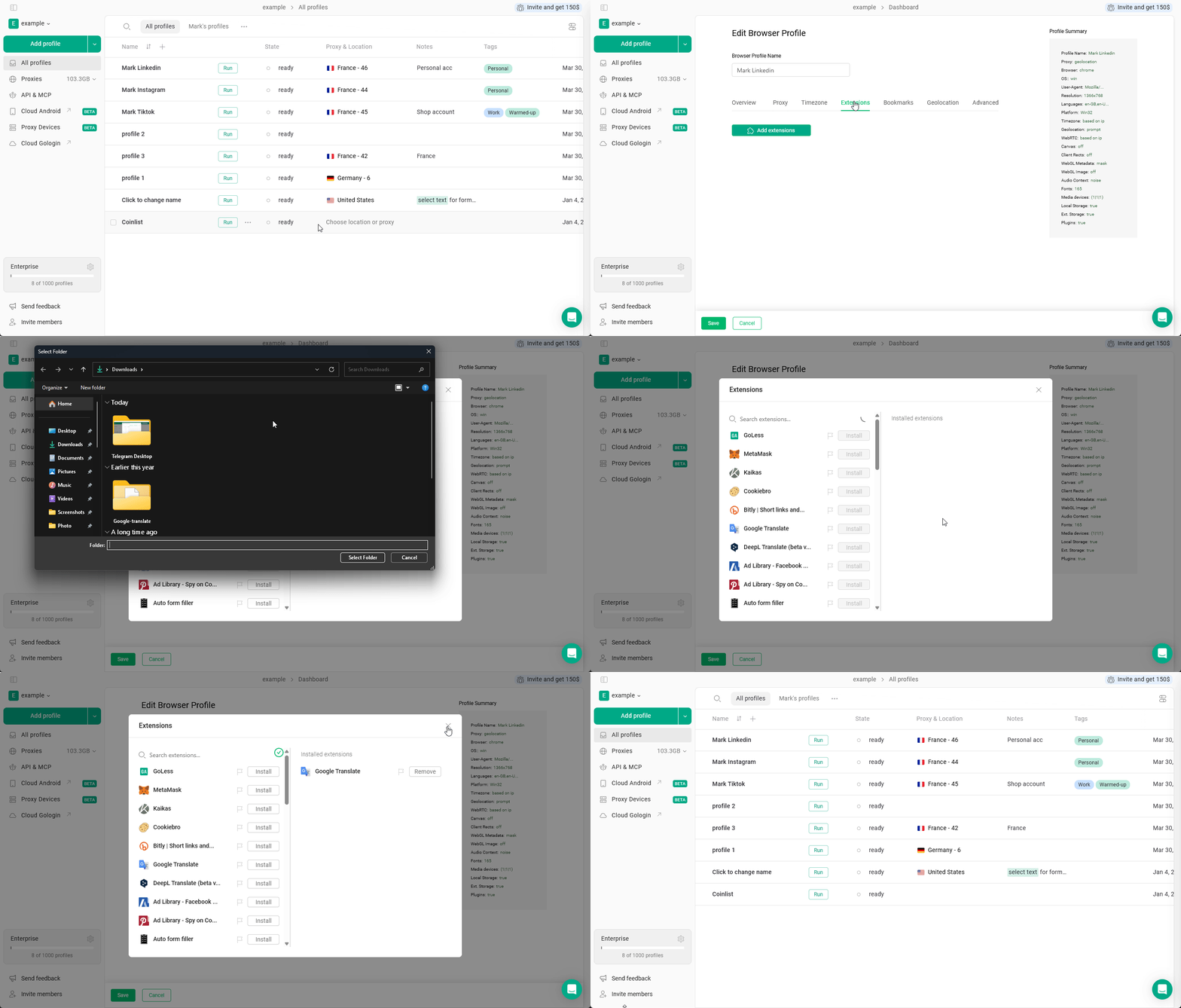
Custom extensions allow you to use private, modified, or locally developed tools inside your Gologin profiles. Unlike public extensions, custom extensions are installed manually using extension files.
Gologin doesn’t support .crx or .zip archives. However, you can convert such files to an unpacked folder, which is supported by Gologin.If you have a .zip archive, just extract it - the resulting folder can be added as a custom extension.In case you have a .crx file:
Rename your extension.crx to extension.zip
Extract it using the 7-zip app or your operating system’s built-in extractor
Make sure the extracted folder contains manifest.json and other extension assets (js, html, icons, etc.).
If you’re unable to add the extension, check for the manifext.json